From booking to drop-off,
here's the full picture
Whether you're riding or driving, here's exactly what happens at every step.
Booking a ride
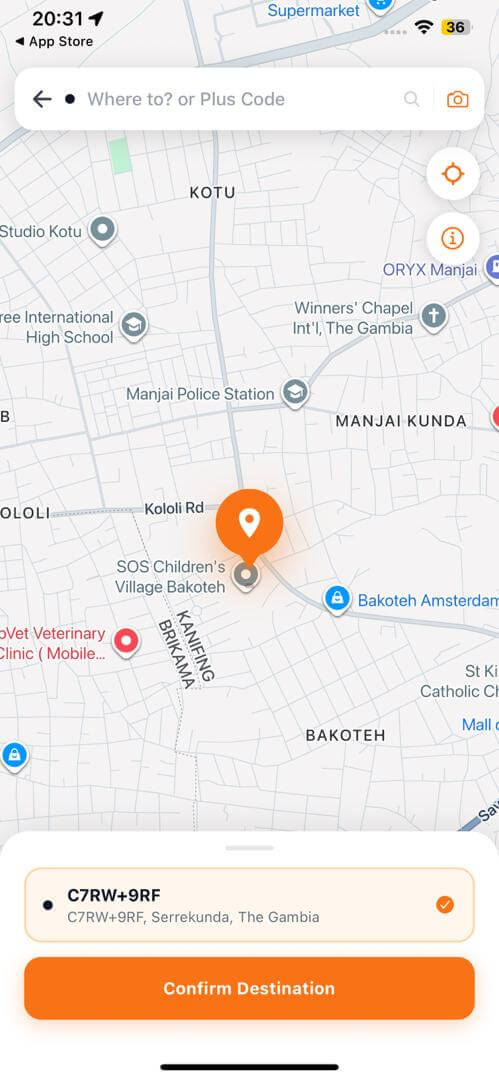
Set pickup & destination
Drop your pickup pin and enter where you're headed. You'll see an upfront fare estimate before you book — no surprises.
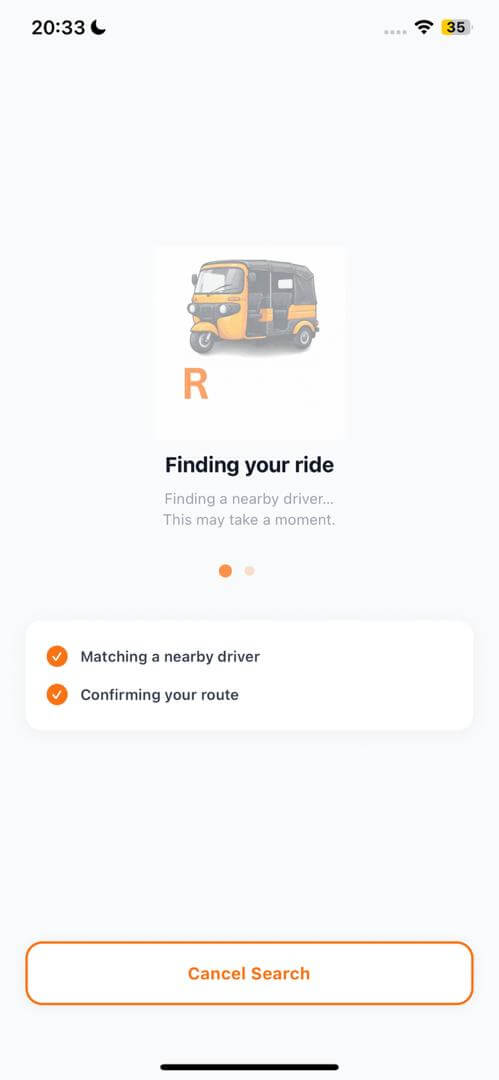
Get matched with a driver
We find the nearest available, verified keke driver and send them your request. Usually matched within 30 seconds.
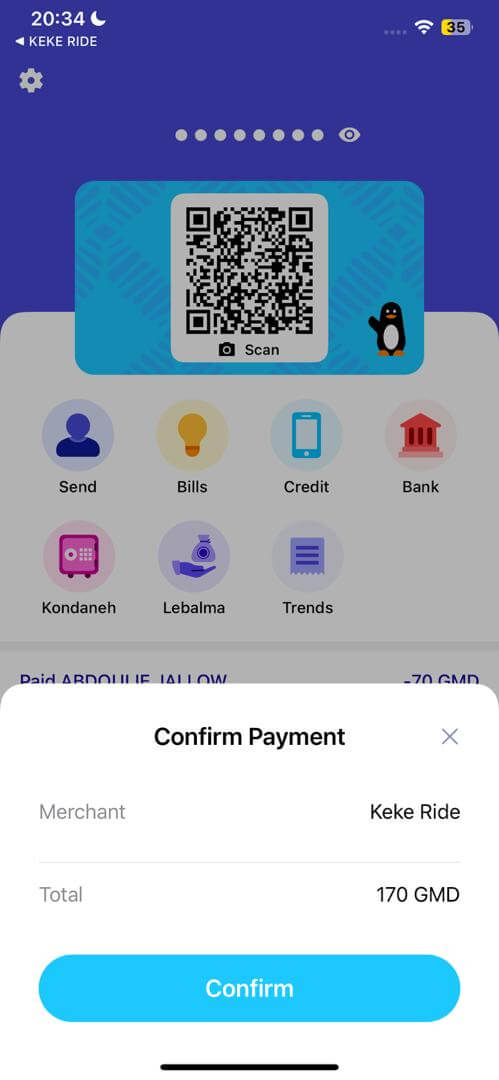
Pay with Wave
As soon as you're matched, pay securely through Wave right in the app. Your fare is protected — it can never come in higher than what you were quoted by more than a small margin.
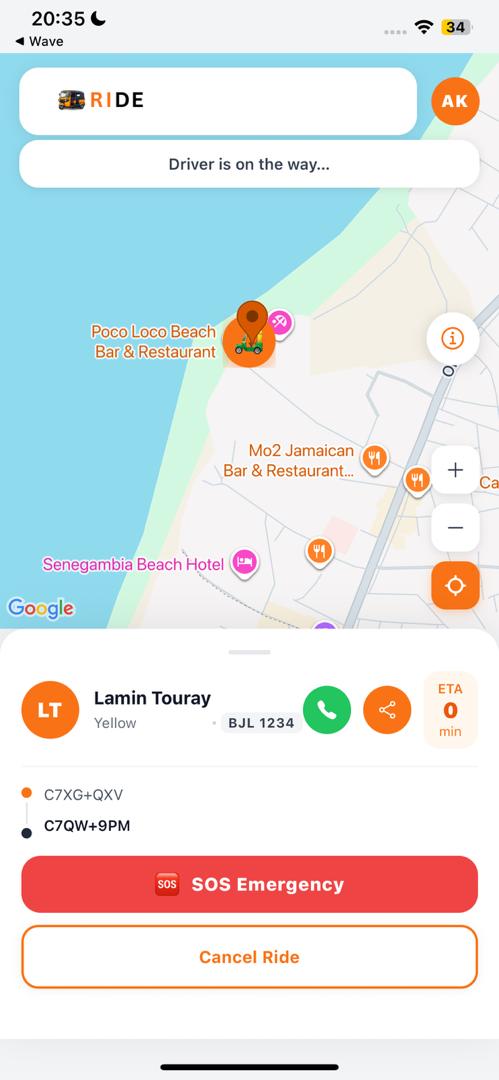
Track your ride live
Watch your driver approach on the map in real time, with their name, vehicle, and ETA.
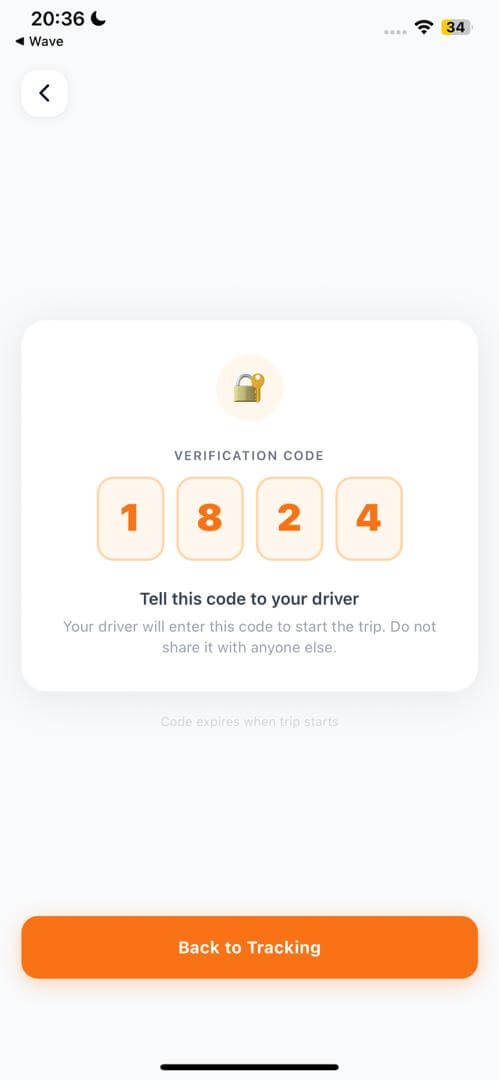
Share your OTP to start
When your driver arrives, you'll get a one-time PIN. Share it with your driver to confirm you're the right passenger and start the trip.
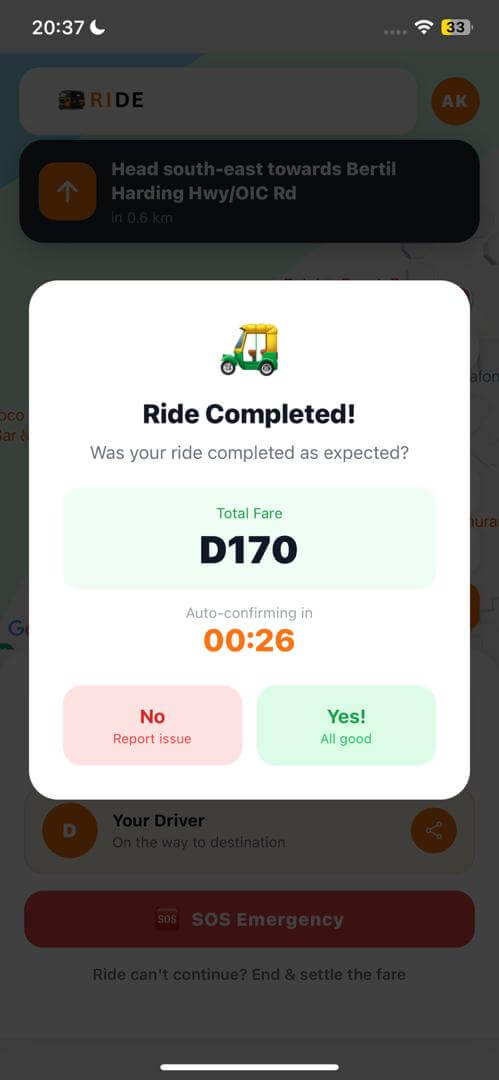
Confirm & rate your trip
After the trip, confirm everything went well and rate your driver. If something wasn't right, you can flag it and our team will review before anything is finalized.
Driving with KEKE RIDE
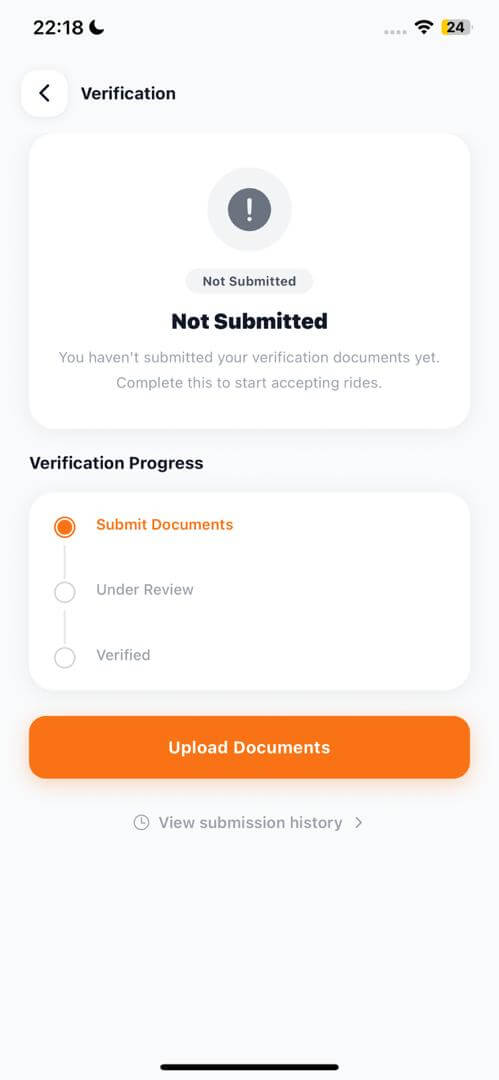
Get verified
Complete KYC verification — ID, license, vehicle documents — before you can go online. See our Driver Standards for the full checklist.
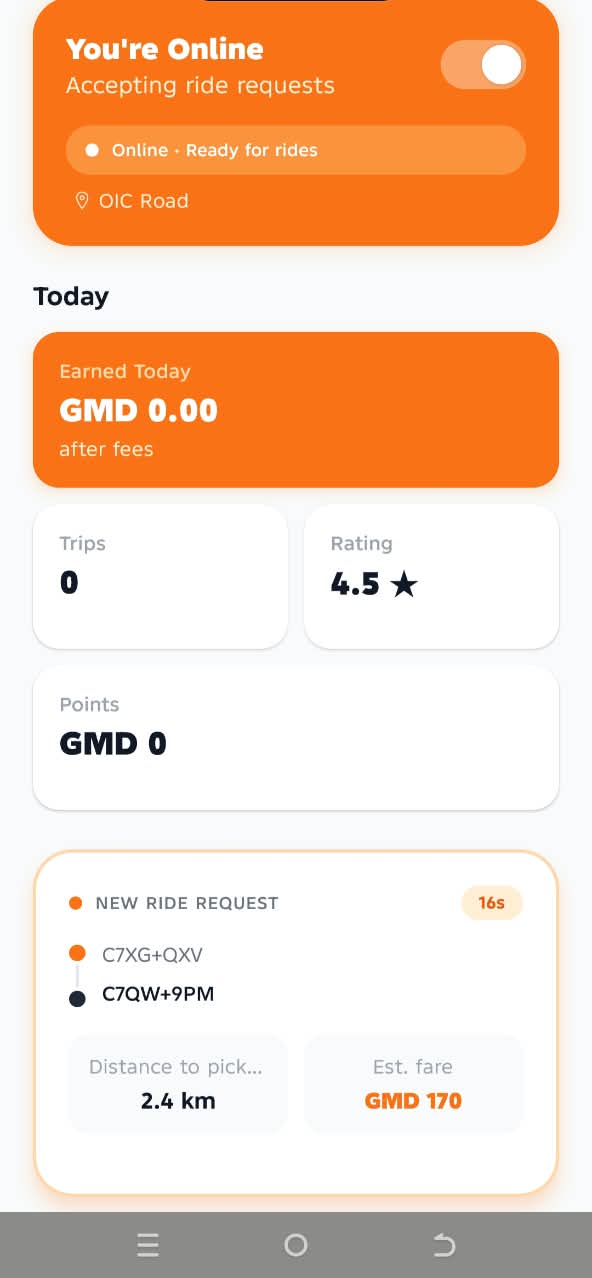
Go online
Flip on availability whenever you're ready to work. You're only ever sent requests near you.
Receive & accept requests
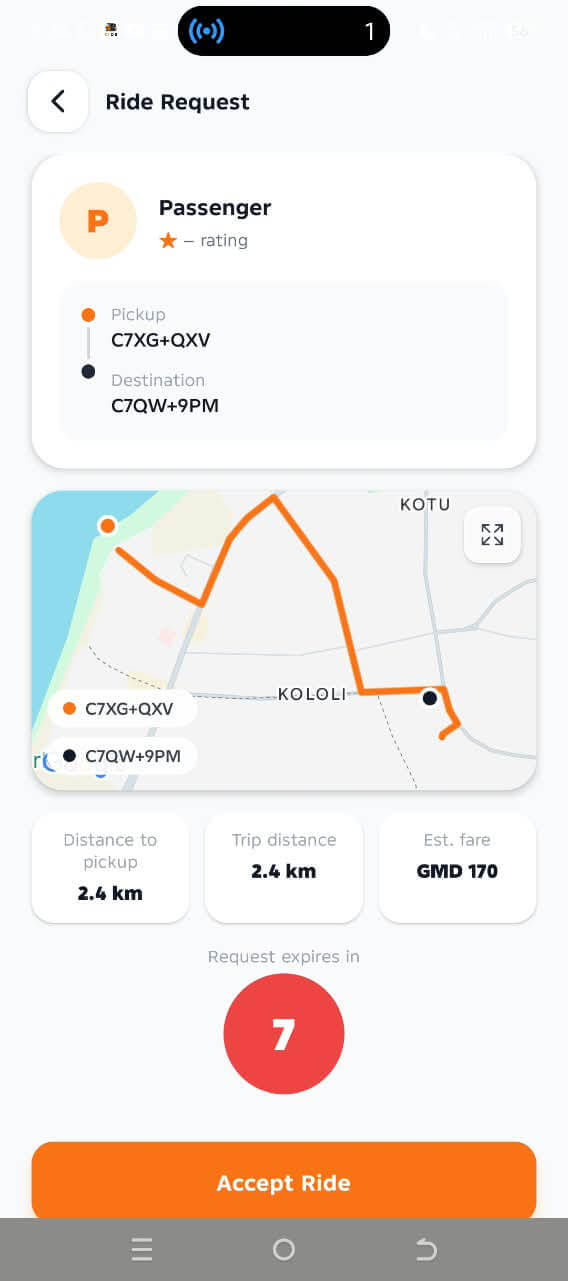
Nearby ride requests come straight to your phone with pickup and destination shown. Accept the ones you want.
Navigate to pickup
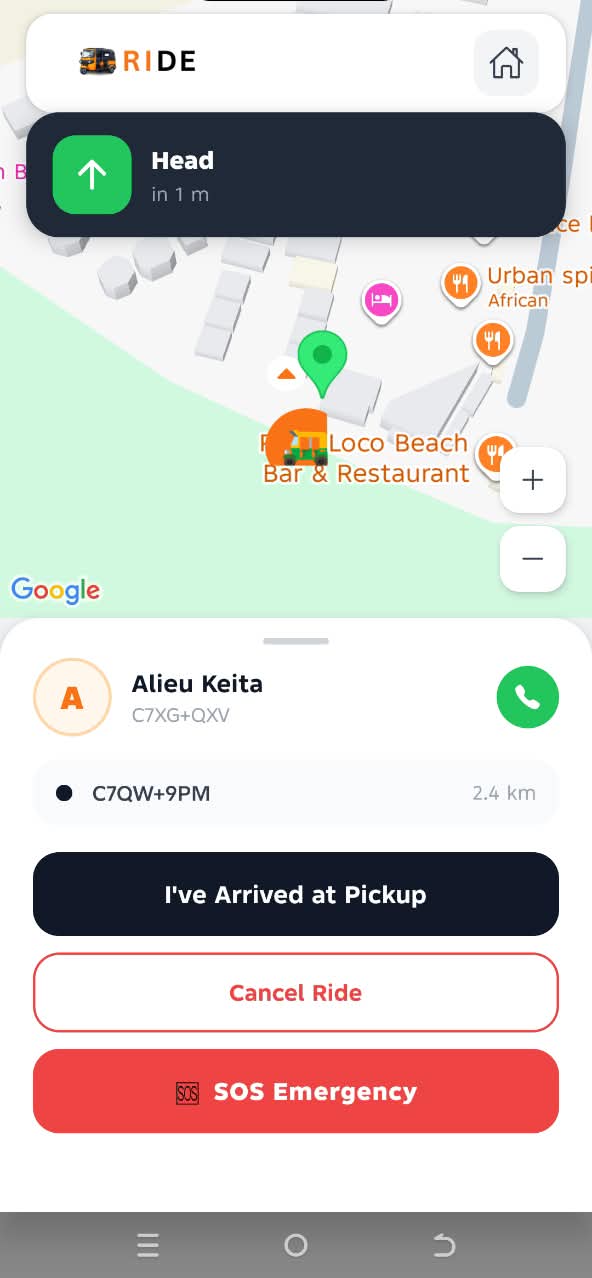
Head to the passenger's pickup location with turn-by-turn navigation in the app.
Start the ride
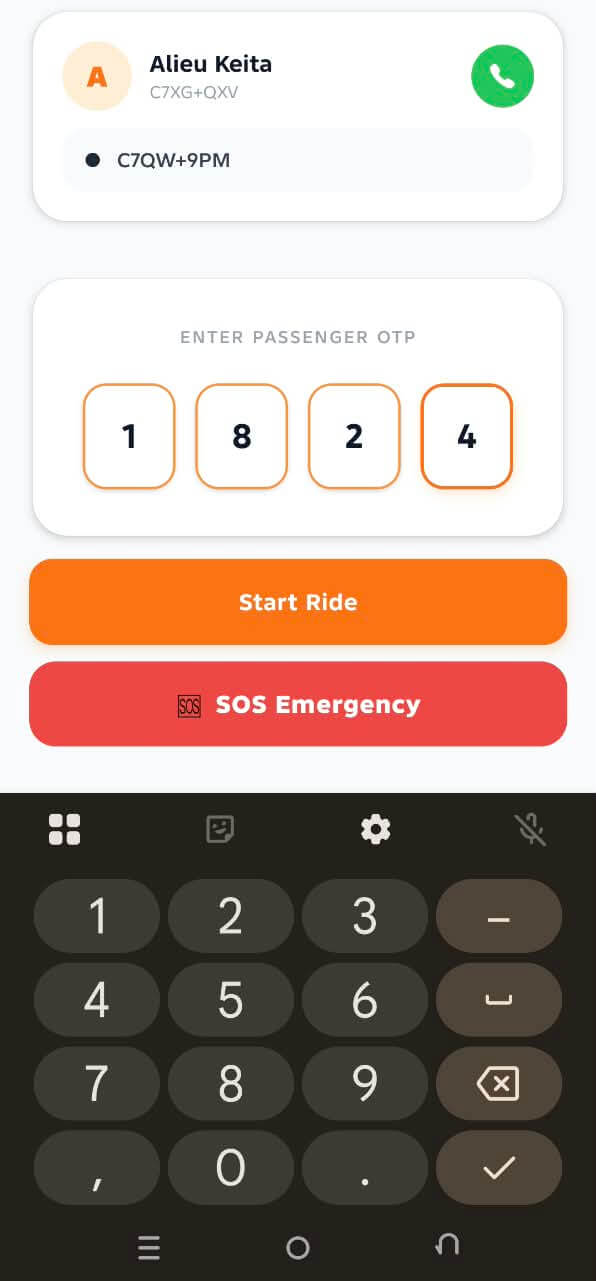
Confirm the passenger's OTP once you arrive to start the trip — protecting you from picking up the wrong passenger.
End the ride
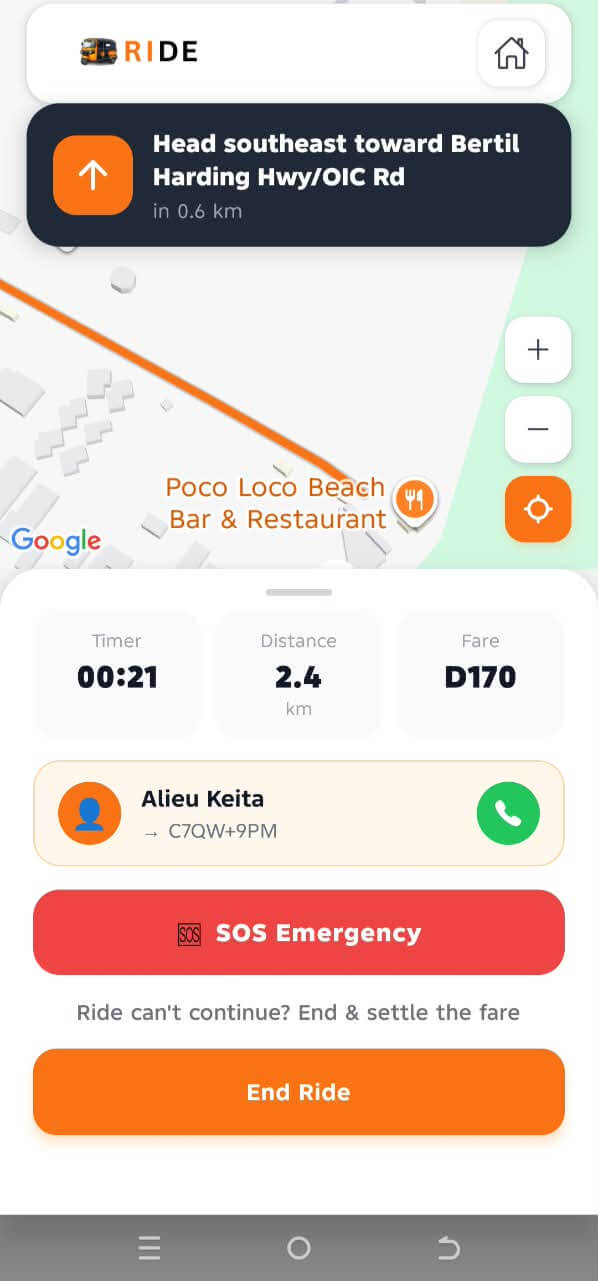
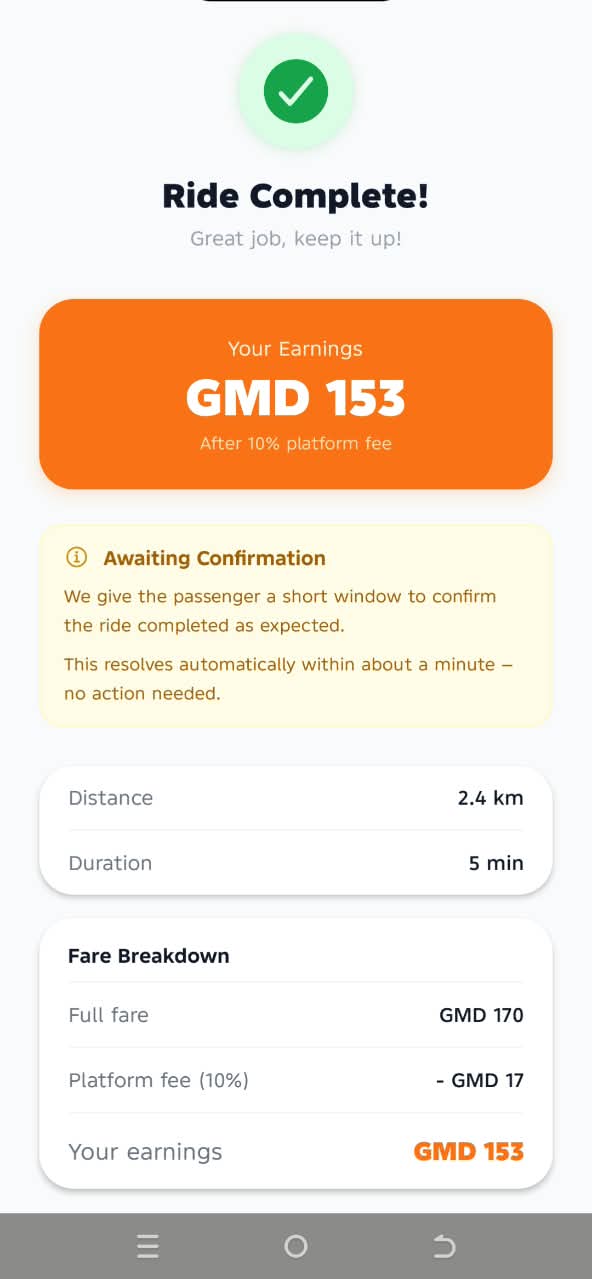
Drive to the destination and end the ride in the app once you arrive.
Get paid automatically
Your earnings (fare minus KEKE RIDE's service commission) are sent straight to your Wave account. If a passenger ever disputes a completed trip, our team reviews it fairly before any adjustment is made — your earnings aren't touched without cause.