Become a DriverEarn on your own schedule,
Earn on your own schedule,
with your own keke
Here's exactly what it takes to go from downloading the app to accepting your first ride request.
Getting Started
Five steps to your first ride
1
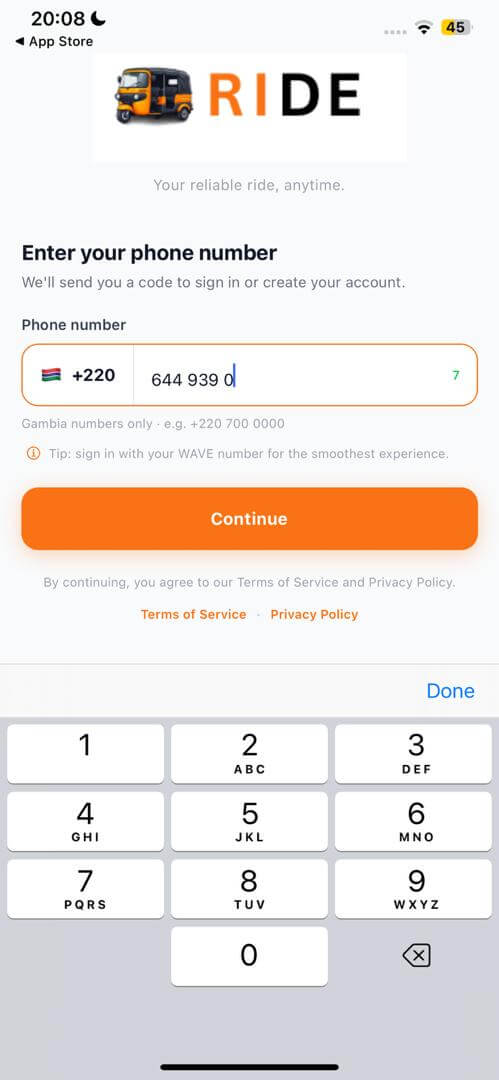
Download & sign up
Download KEKE RIDE and create an account with your phone number — it's the same app passengers use, with a driver mode built right in.
2
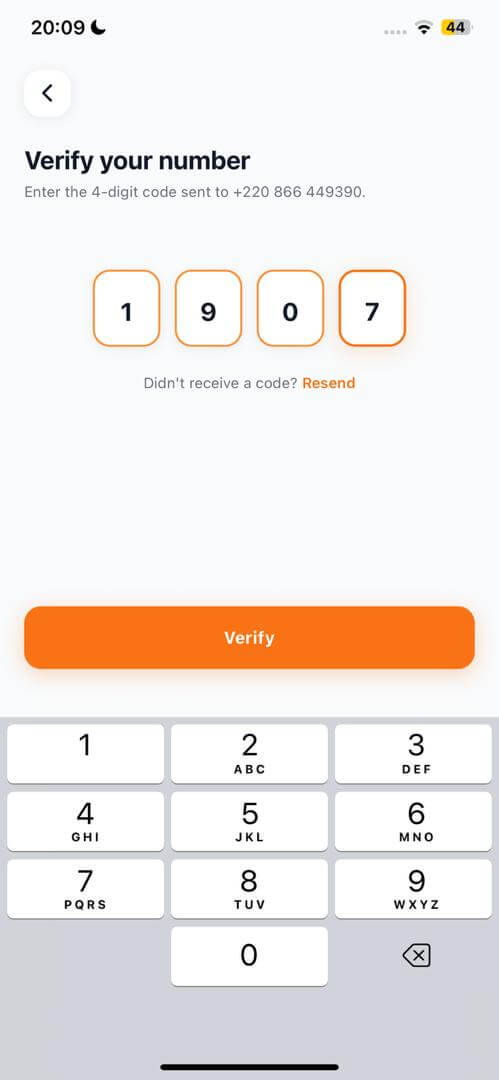
Verify with a one-time code
Enter the 4-digit code we text to your number to confirm it's really you.
3
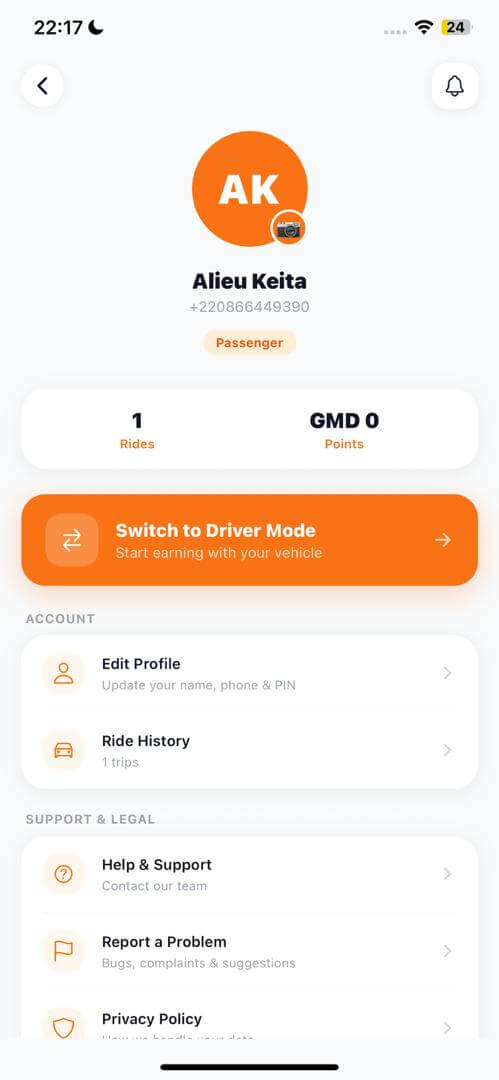
Switch to Driver Mode
From your profile, tap “Switch to Driver Mode” to unlock your driver dashboard.
4
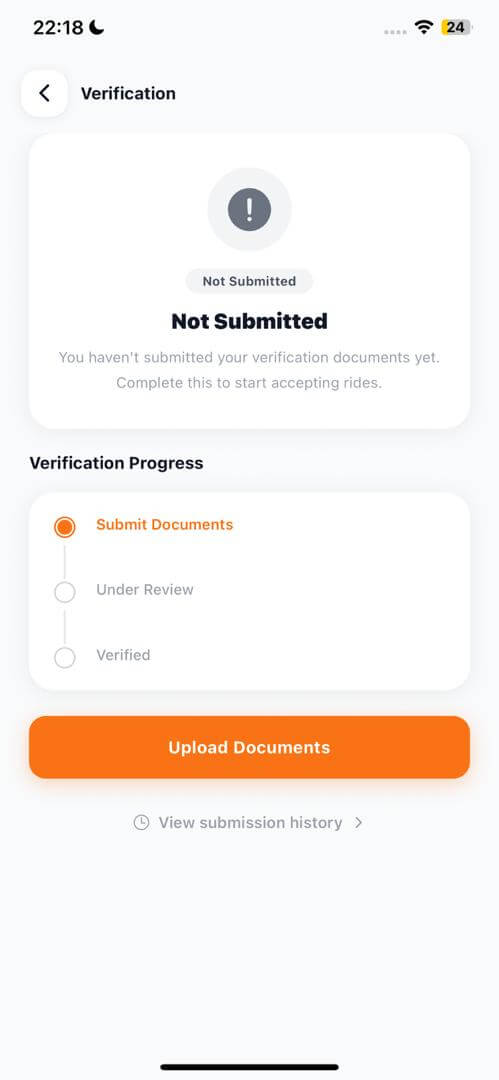
Get verified
Submit whichever documents you have — ID, driving licence, vehicle registration, or even just a photo of your vehicle. You don't need everything at once; a single document can be enough to get approved. See our Driver Standards for the full picture.
5
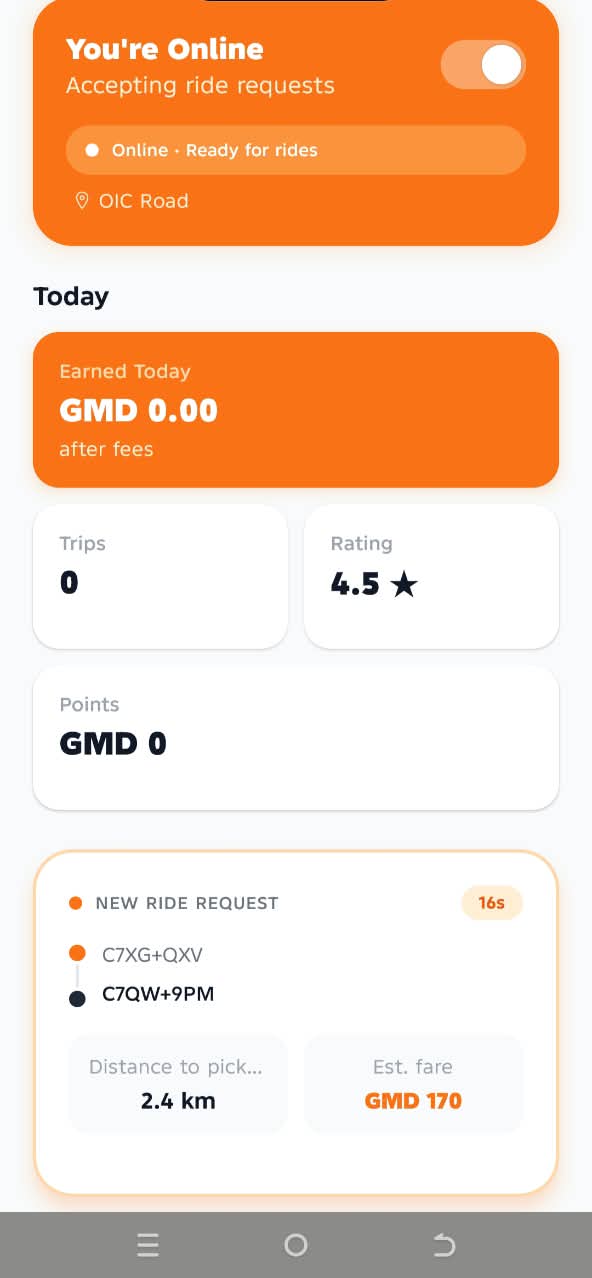
Go online & start earning
Once you're approved, flip the online toggle whenever you want to start receiving nearby ride requests.